
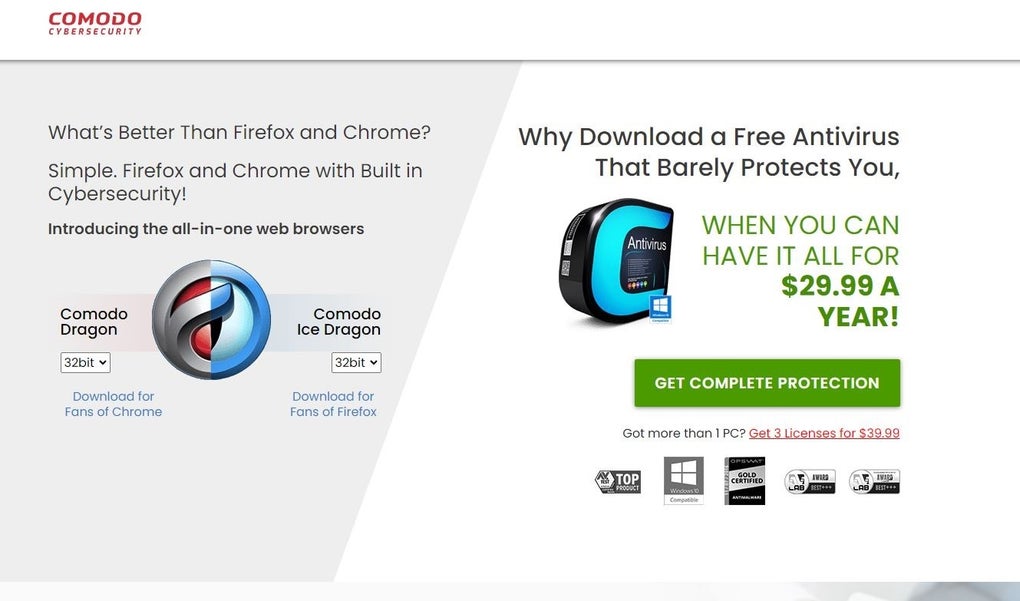

Download Comodo Ice Dragon – Secure Free Web Browser for Windows
Overview
Comodo Ice Dragon is a free web browser built specifically for Windows users who demand a higher level of protection while browsing the modern internet. Developed by the renowned cybersecurity firm Comodo, this browser blends the familiar look and feel of mainstream browsers with a suite of built‑in security mechanisms that actively block phishing sites, prevent malicious downloads, and sandbox suspicious content. The result is a smooth, reliable browsing experience that feels comfortable for everyday tasks—whether you’re checking email, streaming video, or conducting online banking—while silently working in the background to keep your personal data safe.
Ice Dragon leverages the same rendering engine used by popular browsers, ensuring compatibility with most websites, but it adds layers of protection such as SSL certificate verification, anti‑phishing filters, and a built‑in ad blocker. Because it’s free, it’s an attractive alternative for individuals, small businesses, and educational institutions looking to reduce the risk of malware without incurring additional licensing costs. The browser also receives regular security updates from Comodo’s threat‑intelligence team, meaning users benefit from the latest defenses against emerging threats.
In short, Comodo Ice Dragon aims to be a “secure by default” solution that does not sacrifice speed, usability, or modern web standards.
Key Features That Set Ice Dragon Apart
- Advanced Malware Protection: Real‑time scanning of webpages and downloads, leveraging Comodo’s antivirus engine to quarantine threats before they reach your system.
- Built‑in Phishing Shield: Automatic detection and blocking of fraudulent sites that attempt to steal credentials or financial information.
- SSL Certificate Validation: Verifies the authenticity of HTTPS connections, warning users when certificates are expired, self‑signed, or otherwise suspicious.
- Secure Sandbox Environment: Isolates each tab in its own sandbox, preventing malicious code from escaping into the operating system.
- Ad Blocker & Tracker Prevention: Reduces unwanted ads and blocks third‑party trackers, enhancing privacy and page‑load speed.
- Automatic Updates: Seamless background updates ensure the browser stays current with the latest security patches.
- Customizable Privacy Settings: Users can fine‑tune cookie handling, site permissions, and data‑sharing preferences directly from the settings menu.
- Compatibility with Extensions: Supports many popular extensions from the Chrome Web Store, allowing users to extend functionality while keeping security intact.
- Lightweight Design: Optimized for low memory consumption, making it suitable for older PCs and laptops.
- Multi‑Language Support: Available in several languages, catering to a global audience.
Installation, Usage & Compatibility
Getting started with Comodo Ice Dragon is straightforward. The installer is available as a single .exe file from the official Comodo website. After downloading, run the installer and follow the on‑screen prompts: accept the license agreement, choose an installation folder (the default works for most users), and decide whether you want Ice Dragon to become your default browser. The entire process typically takes less than three minutes on a standard Windows 10 or Windows 11 machine.
Once installed, the first launch presents a clean welcome screen that guides you through basic configuration steps, such as importing bookmarks from other browsers and selecting preferred privacy levels. The user interface mirrors the familiar layout of Chrome or Edge, with a combined address/search bar, tab strip, and customizable menu. Because Ice Dragon is built on the Chromium engine, most modern web standards are fully supported, ensuring that interactive sites, HTML5 video, and WebGL graphics render correctly.
Supported Operating Systems: Ice Dragon officially supports Windows 7, Windows 8/8.1, Windows 10, and Windows 11 (both 32‑bit and 64‑bit). Although the primary focus is Windows, the underlying Chromium core allows the browser to be ported to other platforms; however, Comodo does not currently provide native Mac, Android, or iOS builds. Users on non‑Windows devices can still benefit from Comodo’s broader security suite, but for a full Ice Dragon experience, a Windows PC is required.
After the initial setup, everyday usage feels intuitive. The built‑in security dashboard provides real‑time alerts if a site is flagged, and you can quickly disable or whitelist content via the shield icon in the address bar. The browser also includes a “Secure Shopping” mode that automatically enforces HTTPS connections and disables potentially unsafe scripts when you’re on e‑commerce sites. Regular updates are delivered silently, and you can manually check for updates via Settings → About Ice Dragon → Check for updates.
Pros & Cons – A Balanced Look
Pros
- Robust built‑in security features (malware scan, phishing protection, sandboxing).
- Free to use with no hidden fees or subscription models.
- Fast performance thanks to a lightweight Chromium base.
- Regular automatic updates keep the browser protected against new threats.
- Supports most Chrome extensions, giving users flexibility without compromising safety.
- Clear, user‑friendly interface that requires minimal learning curve.
- Dedicated security dashboard provides transparent protection status.
Cons
- Only available for Windows; no native macOS, Android, or iOS versions.
- Occasional false positives may block legitimate sites, requiring manual overrides.
- Less extensive extension library compared to Chrome’s native store.
- Some advanced users might find the default security settings overly restrictive.
- Limited customization of the UI beyond basic theme changes.
Overall, Comodo Ice Dragon delivers a compelling mix of security and usability for Windows users. While the lack of cross‑platform support may deter some, the browser’s protective features and zero‑cost model make it an excellent choice for anyone who values privacy without sacrificing speed.
FAQ
Is Comodo Ice Dragon really free?
Yes, Ice Dragon is completely free for personal use. There are no hidden fees, premium tiers, or mandatory subscriptions.
How does Ice Dragon differ from regular Chrome?
While both browsers share the Chromium rendering engine, Ice Dragon adds Comodo’s security layers—real‑time malware scanning, sandboxed tabs, and an integrated phishing shield—features that Chrome does not provide out of the box.
Can I import bookmarks from other browsers?
Yes, during the initial setup Ice Dragon offers an import wizard that pulls bookmarks, saved passwords, and browsing history from Chrome, Edge, Firefox, and Internet Explorer.
Does Ice Dragon work with corporate proxy servers?
The browser supports manual proxy configuration and can detect system‑wide proxy settings, making it suitable for most corporate environments.
How often are security updates released?
Comodo releases security patches on a weekly basis, and critical updates are pushed automatically to ensure users are always protected.
Conclusion – Should You Download Comodo Ice Dragon?
If you spend a significant amount of time online—whether for work, shopping, or entertainment—and you want a browser that puts security first without charging a dime, Comodo Ice Dragon is a solid choice. Its blend of real‑time threat detection, sandboxed browsing, and a familiar Chromium‑based interface delivers a comfortable yet protected experience on Windows PCs. While the lack of native macOS or mobile versions may limit its appeal for multi‑device users, the free price tag and regular security updates make it especially attractive for budget‑conscious individuals and small businesses.
Ready to fortify your browsing? Download Comodo Ice Dragon now and enjoy a safer, faster web experience today.







